
Mobile payment
With mobile payment, you can use a smartphone or smartwatch to make cashless payments. Discover the mobile payment solutions for your Swisscard credit card or prepaid card.





Frequently asked questions about mobile payment
When you make mobile payments, your credit card information is stored digitally on your smartphone or smartwatch. An encrypted device account number is used – this means your actual card details are not transmitted and remain protected at all times.
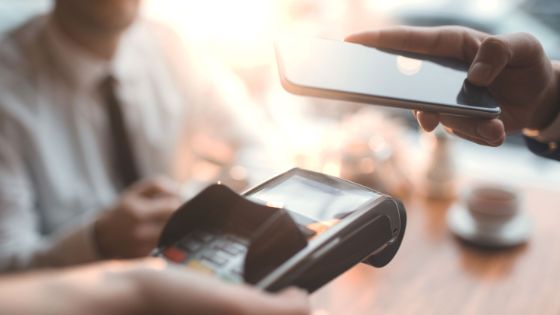
To pay, simply hold your device against the payment terminal that has the contactless symbol. The payment is securely transmitted using NFC (Near Field Communication) technology and completed within seconds. In this way, you can make quick, convenient and contactless payments.
To use your credit card for mobile payments, three conditions must be met:
- A smartphone or smartwatch with the contactless function (Generally, all newer smartphones and smartwatches are equipped with this feature.)
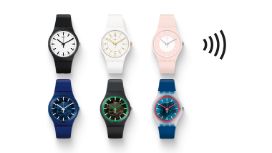
- An installed and activated mobile payment app (e.g., Apple Pay, Google Pay, Samsung Pay or SwatchPAY!)
- A payment terminal with the contactless function in the store or online shop
As long as these conditions are met, you add your credit card to your wallet of choice just once and can then make quick, convenient and contactless payments.
You can pay with mobile payment anywhere contactless payments are accepted – at supermarkets, in restaurants, on public transportation, and online. Look for the contactless or mobile payment symbol at the checkout. Your credit card is accepted at all compatible terminals worldwide.
Yes. Your payments are protected by multiple layers of security. With mobile payment, your card details are never transmitted directly – an encrypted device identifier (token) is used instead. In addition to this, Face ID, Touch ID or your device PIN secures every transaction. This makes paying with your credit card very secure – and even more secure than with your physical card.
No, there are no additional fees. Mobile payment is subject to the same terms and conditions as physical credit cards.
Be sure to block your device immediately using your Apple ID or Google account. This will automatically deactivate any cards linked to your mobile payment account. You will still be able to use your physical credit card, however.
If you have access to the Swisscard app on another device, you can also temporarily block your card there. Alternatively, our customer service team is available to assist you around the clock.